Purupuru Maker: make any part wobble.
Keep the rest still.
Purupuru Maker turns a still photo or illustration into a clean, seamless wobble loop. Paint only the area you want to animate, shape the motion, then download a GIF or video in the original composition.
What is Purupuru Maker—and why is it everywhere?
“Purupuru” (ぷるぷる) describes a soft, jelly-like wobble in Japanese. The format took off on X in July 2026 after Japanese creator gear machine shared a browser tool for painting the exact part of an image that should jiggle. Anime art, pets, plushies, puddings, and reaction images quickly followed.
This is an independent Purupuru Maker, not affiliated with the original creator. It keeps the instant paint-and-wobble idea while focusing on deterministic seamless loops, automatic edge protection, and direct browser export.
A wobble maker built for finished loops—not screen recordings.
Move only what matters
Paint the soft part and keep faces, backgrounds, and hard edges still.
Repeatable by design
Every preset creates a deterministic seamless loop, with no hand-shaking to record.
Export without extra setup
Keep the original composition and download a GIF, MP4, or WebM directly.
Private by architecture
Your image is processed locally. No upload, account, queue, or cloud generation.
From still image to shareable loop in one workspace.
- 1SELECT
Paint the part that should move
Choose a PNG, JPEG, or WebP. Brush over hair, fabric, ears, jelly, or another soft area. Erase any spill and leave the surrounding pixels still.
- 2MOTION
Choose the feel of the motion
Start with Jelly, Bounce, Sway, Shake, Float, or Pulse. Adjust wobble amount and speed while the final loop plays live.
- 3EXPORT
Choose the length and export
Pick a 1–4 second loop, then download a seamless GIF, MP4, or WebM in the original composition.
Six starting recipes for a better first wobble.
Strong motion is not always better. Start with the object, use a motion that matches its material, then increase the strength only as far as the edge can support.
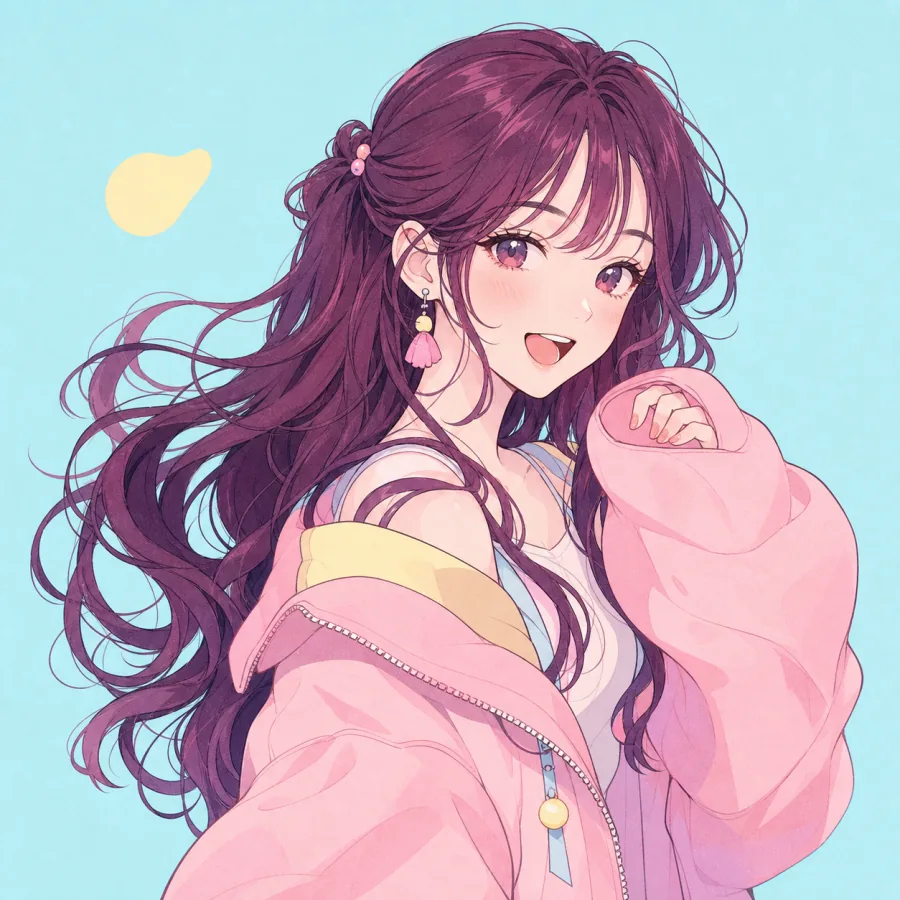
Give hair, sleeves, and soft details a gentle sway.
Sway · 32% strength · 0.55× speed
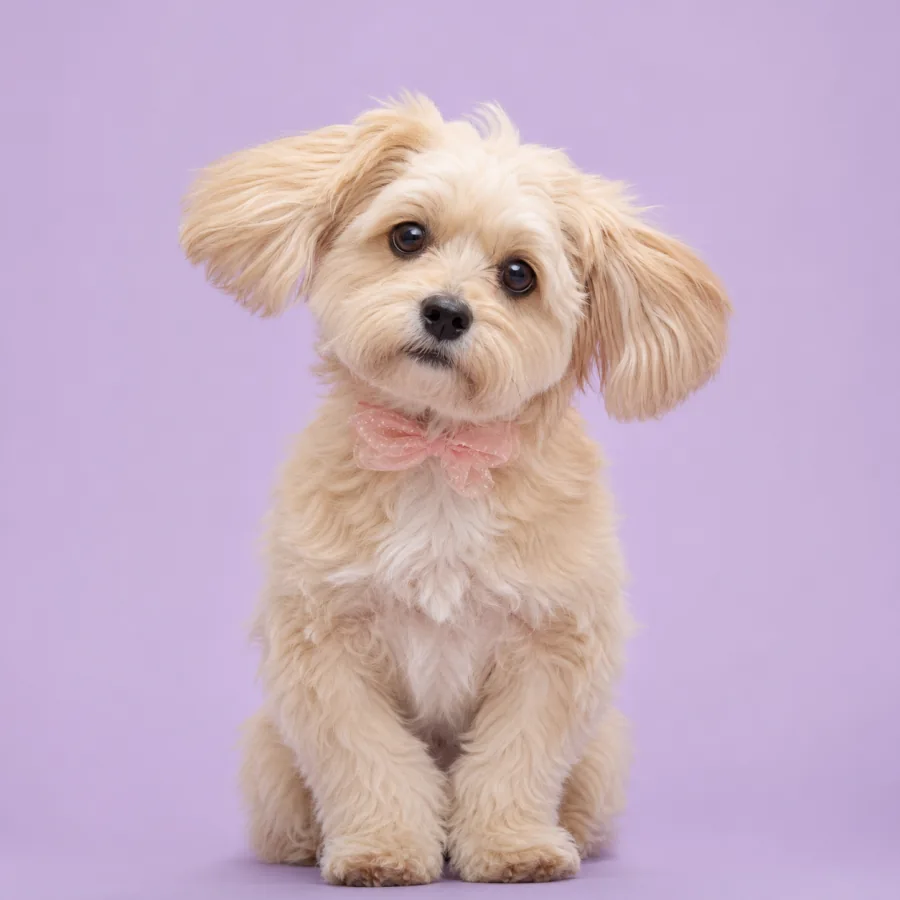
Turn ears, cheeks, and fluffy bellies into reaction GIFs.
Bounce · 46% strength · 0.80× speed
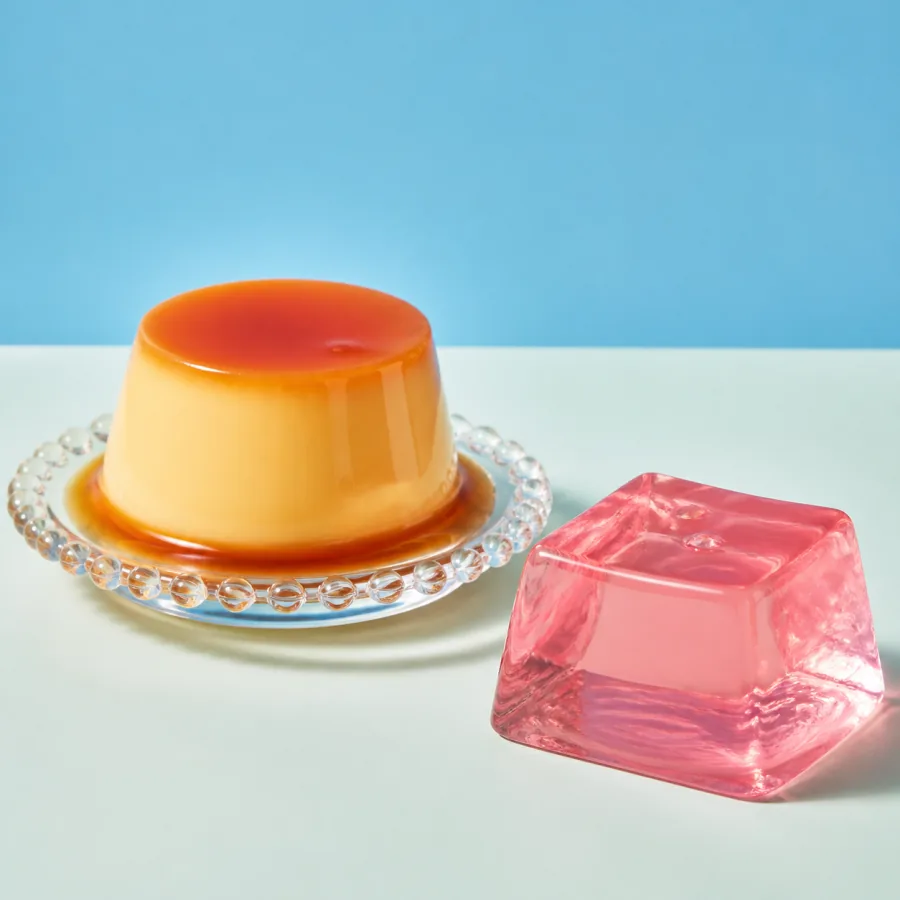
Make pudding, jelly, mochi, and frosting look extra soft.
Jelly · 58% strength · 0.72× speed
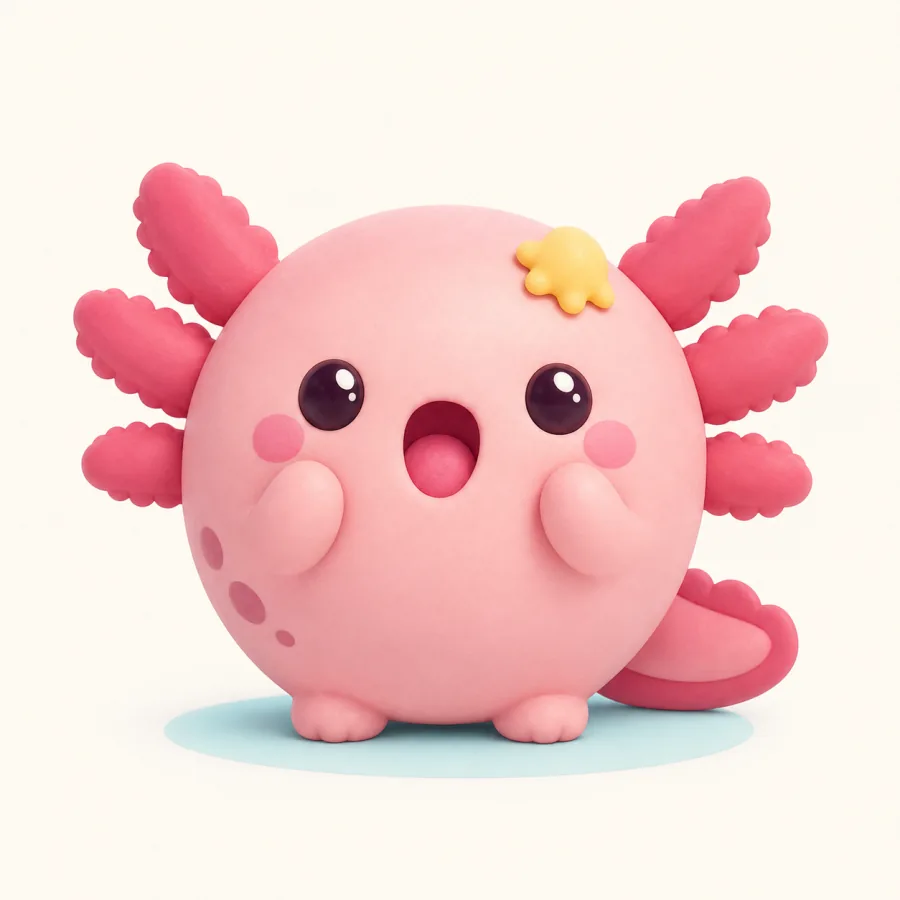
Create a compact looping sticker for chat and Discord.
Pulse · 38% strength · 0.90× speed
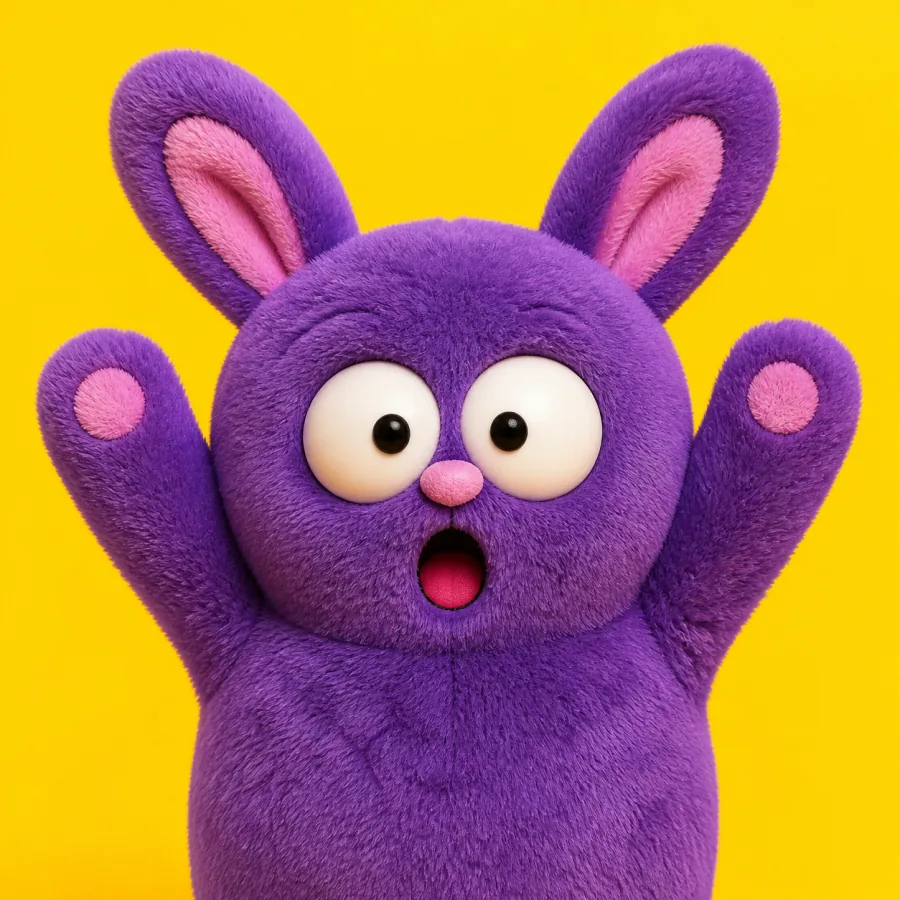
Add one controlled shake without moving the whole frame.
Shake · 68% strength · 1.30× speed
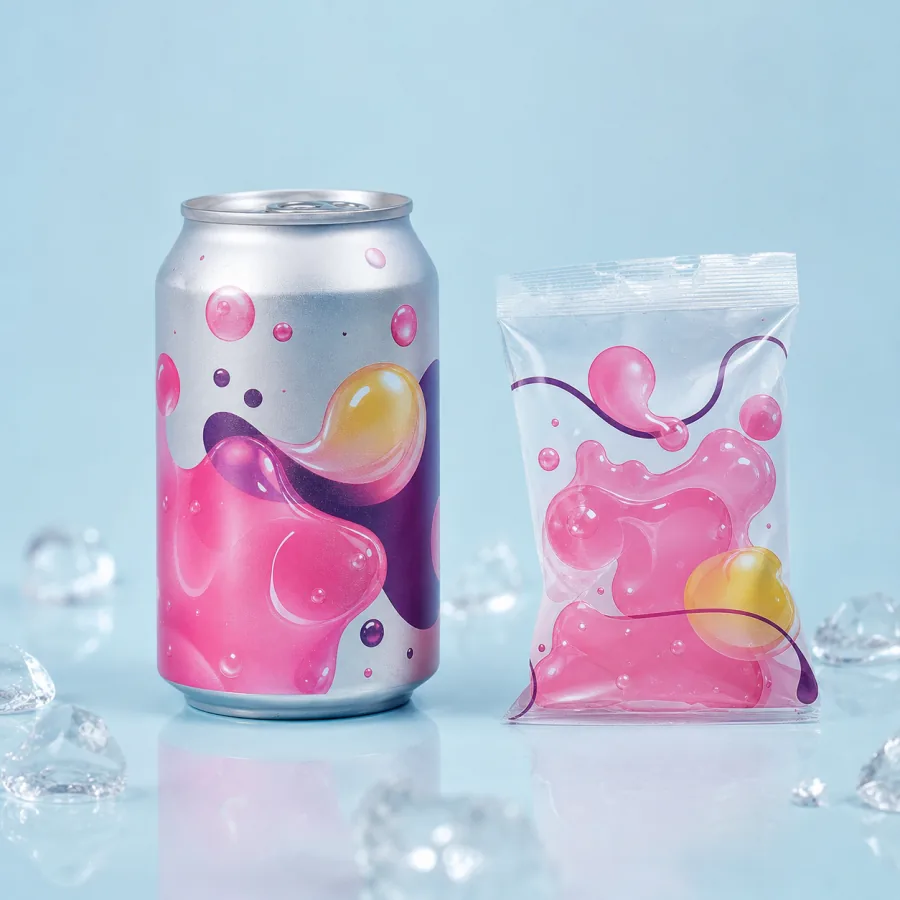
Build a repeatable bounce for a post, launch, or stream.
Bounce · 28% strength · 0.65× speed
More control than a shake recorder. Less friction than AI video.
Choose the format for the place—not the effect.
The motion stays the same. The best file depends on whether you need instant looping in chat, broad social compatibility, or efficient playback on the web.
Stickers, chat, and simple embeds
Loops almost everywhere and needs no play button. Best for short, compact animations; larger or colorful images can create heavy files.
Best at 1–2 secondsTikTok, Reels, and social feeds
Smaller than GIF at similar visual quality and widely accepted by social platforms. Availability depends on H.264 support in your browser.
Best at 2–4 secondsWeb pages and high-quality previews
Efficient, sharp video for modern browsers. Use it when file size matters and the destination explicitly accepts WebM.
Best at 2–4 secondsThe edge is the difference between “animated” and “warped.”
Paint inside the outline. Keep a thin ring of stable pixels around the moving part so its edge stays attached to the image.
Match motion to material. Hair usually wants Sway; a pet ear wants Bounce; pudding wants Jelly. A fitting motion needs less strength.
Preview small first. If the loop still reads clearly at sticker size, it will usually feel cleaner when shared in a feed.
Questions before your first export.
What is Purupuru Maker?+
Purupuru Maker is a free online photo wobble maker. You paint the part of a still image that should move, choose a motion, and export the result as a seamless GIF, MP4, or WebM loop.
Can I animate only one part of an image?+
Yes. The painted mask controls exactly which pixels move. The rest of the image stays still, so you can animate hair, ears, jelly, fabric, a logo, or any other soft detail without shaking the whole picture.
Does Purupuru Maker upload my image?+
No. Image pixels, your painted mask, motion processing, and exports stay in your browser on this device. You do not need an account to use the tool.
Which is better for sharing: GIF, MP4, or WebM?+
GIF is convenient for looping stickers and chat, but it can be large. MP4 is usually smaller and works well for social posts. WebM keeps good quality at a small size and is useful on the web. Available video formats depend on your browser.
How do I make a clean wobble without torn edges?+
Paint slightly inside the moving object, use a soft brush edge, and start with lower strength. Keep a stable area around the object as an anchor, then increase the motion only after the boundary looks natural.
Does it work on iPhone and Android?+
The editor is designed for modern desktop and mobile browsers. Touch painting works on phones and tablets. Export options vary by browser, so the tool shows only formats your current browser can create.
Can I use the exported animation commercially?+
Purupuru Maker does not add a watermark or claim rights over your export. You are responsible for having permission to use the image or artwork you import, especially for commercial work.
Why is MP4 unavailable in my browser?+
MP4 export requires browser support for H.264 encoding. If it is unavailable, choose GIF or WebM, or open the tool in a browser with compatible video encoding support.